BuzzTV: choose your app
Use NetGen TV on compatible Android models, or set up the built-in BuzzTV player.
NetGen TV
Built for your NetGen service. Choose Primary and sign in—no server URL to enter.
View BuzzTV instructions →
TiviMate
A familiar TV guide and remote-friendly controls. Premium features require a separate license.
View BuzzTV instructions →
IPTV Smarters
Sign in with Xtream Codes to watch live TV, movies and series.
View BuzzTV instructions →
IBO Player Pro
Add your subscription using the device MAC and key shown in your player.
View BuzzTV instructions →Prefer BuzzTV built-in player? Follow the built-in player instructions below ↓
Using the built-in BuzzTV player
Register the device
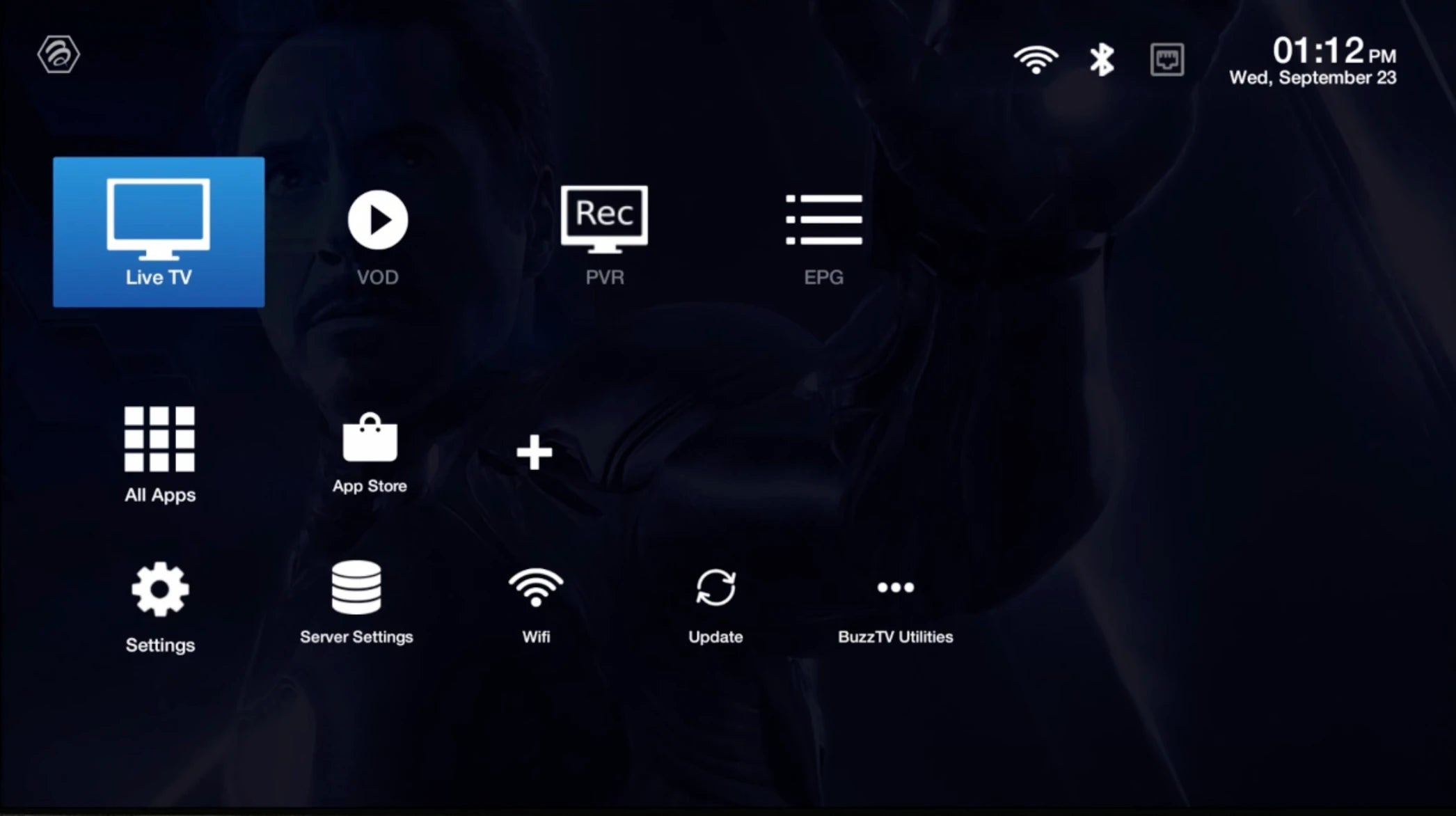
Reply to your login email with the BuzzTV model and the MAC displayed by its player. Request the portal address and confirmation that the device is activated.
Add your server
Open Live TV → Server Line / MAC Server → Add Server / Add MAC Server. On some models, use Settings → Servers.
Save and connect
Enter NetGen TV as the server name and paste the portal URL provided by support. Select Connect and let the channels load.