Get into the game.
Football, basketball, baseball, hockey, soccer, and more. Explore sports channels and event feeds to find what you love watching.
Browse sports listings →LIVE SPORTS. BIG EVENTS. GREAT TV.
Make room for game day, fight night, and your next favorite series. Bring live sports, PPV events, movies, and everyday TV together with NetGen TV.
Monthly options for 1–5 simultaneous streams.
Choose the plan that fits the way you watch.
FOR THE FANS. FOR THE BIG NIGHTS.
Follow your favorite sports, settle in for the big match, and make an evening of fight night. There’s more to watch than your usual channel lineup.
Football, basketball, baseball, hockey, soccer, and more. Explore sports channels and event feeds to find what you love watching.
Browse sports listings →Bring the big-event atmosphere home. Look through the PPV listings for fight nights and special events when they’re scheduled.
Explore PPV listings →Open Sports Guide from the NetGen TV app’s side menu to explore the sports schedule. New to the app? Start with your device’s setup guide.
Get the app set up →Try your favorite sports channels on your own screen with a 72-hour free trial.
Get ready for game day ↗Channel and event availability can change. Event feeds may appear only around scheduled broadcasts; guide features vary by app and device.
THE NETGEN EXPERIENCE
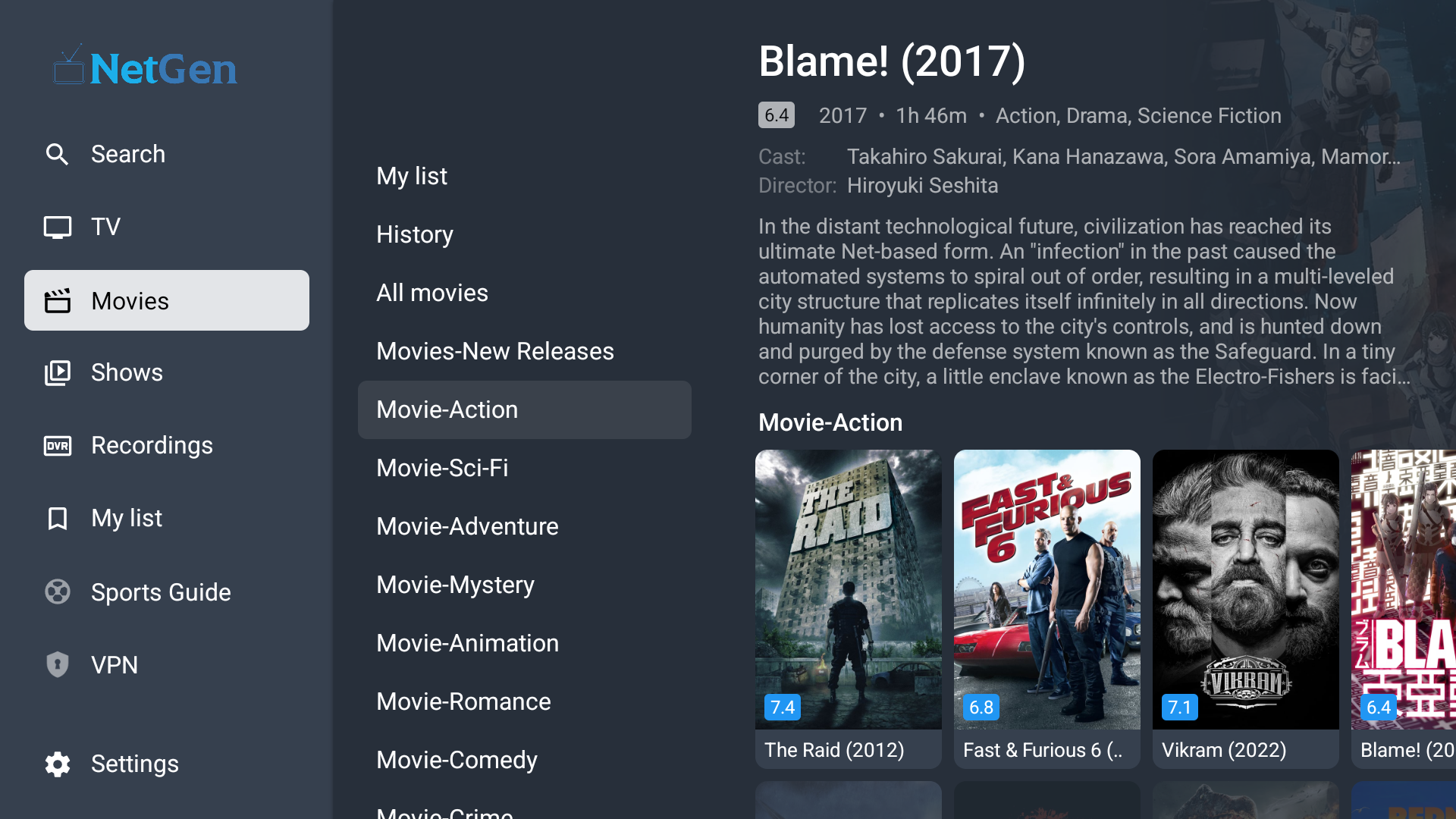
Real screens from the app. A familiar guide for live TV, with movies and series ready to explore.
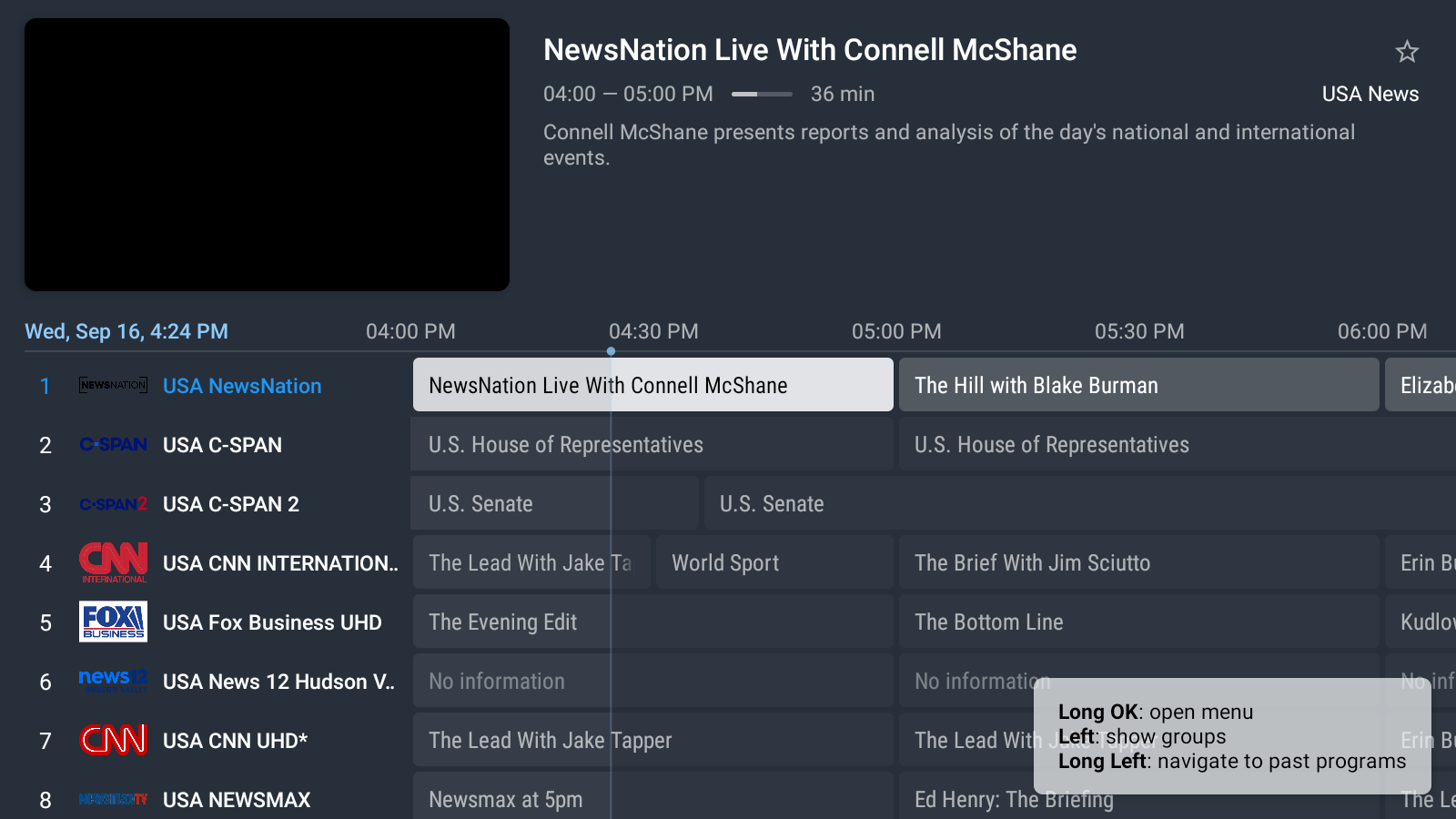
Browse channels and program schedules in the TV guide.
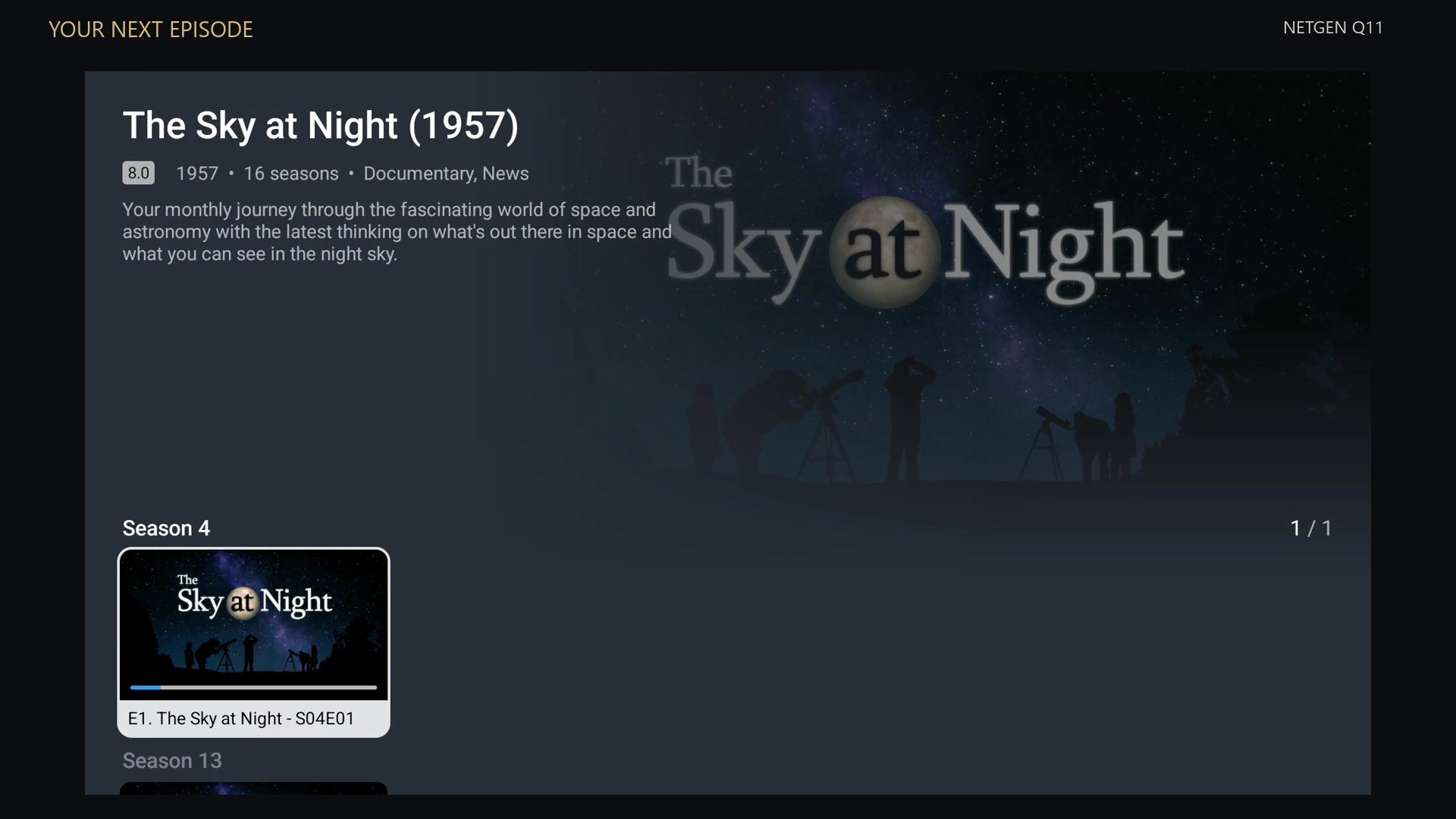
Explore the series library and browse at your own pace.
Screenshots show the app on compatible devices. Layout, titles and availability can change.
FIND YOUR FAVORITES
Search by name or explore categories, from local TV and news to sports and international channels.
Explore the channel directoryMORE TO WATCH. ONE SIMPLE CHOICE.
Choose your simultaneous streams. Enjoy the same entertainment lineup.
Monthly subscriptions renew automatically until cancelled under our cancellation policy. One-time options are available on the plan page. Confirm your selection and total at checkout.
Explore NetGen TV for 72 hours before choosing your plan.
FROM SIGNUP TO SCREEN TIME
Start with the 72-hour trial, or choose the number of simultaneous streams you need.
Your service details arrive by email. Keep them handy as you set up your app.
Open our illustrated instructions for your device. If you get stuck, our support team can help.
Compatible apps vary by device. Some third-party players require a separate license; check your setup guide.
It is the number of streams you can watch at the same time. Choose a plan with enough streams for your household’s viewing.
Our setup guide covers Fire TV, Android and Google TV, Apple devices, smart TVs, Windows and more. The app and setup steps depend on your device.
Yes. The free trial is 72 hours. Check your service email for your login details and expiry.
The monthly option renews automatically. Your selected price and renewal terms are shown before purchase. See the cancellation policy for details.
Use My account for your customer account, the setup guide for device instructions, or Support for help. Your TV app login is separate from your store account.